inventory management software
Inventory tracking built for businesses that can't afford to get it wrong.
From a single shop to multiple warehouses, RealCloud gives you complete control over your stock — with the depth to handle batches, serials, expiry dates, and unit conversions that most inventory software simply cannot.
Everything you need to manage stock, all in one place.
Avoid out-of-stocks
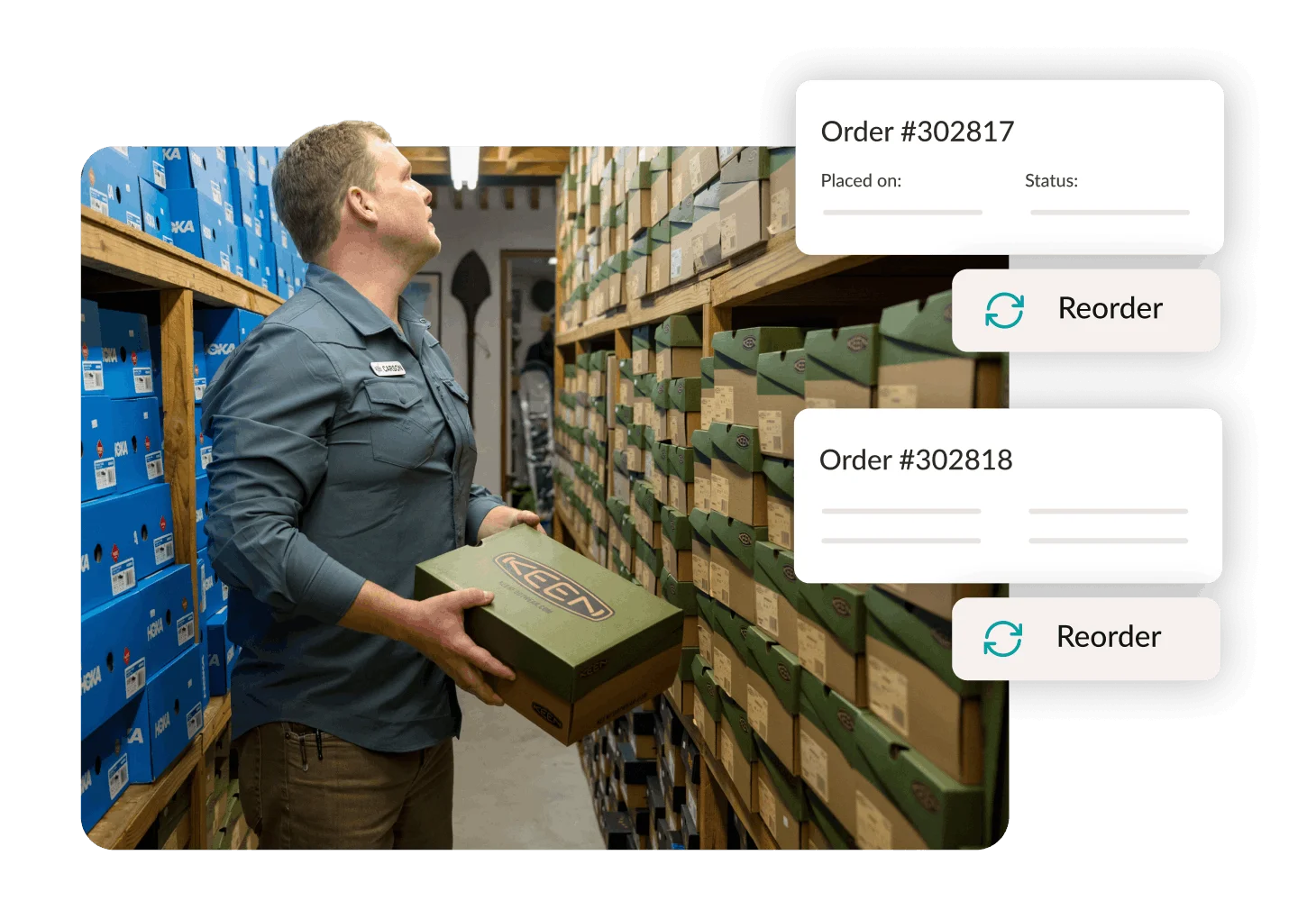
Set reorder points and receive low-stock alerts so fast-moving items are always available when your customers need them.
Speed up ordering
Raise purchase orders in seconds and convert them directly to GRNs when stock arrives — no double entry.
Track across locations
One branch or ten warehouses — get a single, unified view of stock levels across your entire business in real time.
Keep on top of counts
Reduce shrinkage with easy stock-take tools. Count by category, location, or brand and reconcile discrepancies instantly.
Manage prices with ease
Make bulk pricing changes across your entire product catalog in one action — no editing items one by one.
Advanced product tracking
Track stock by batch, serial number, or expiry date — with costing calculations that stay accurate at every step.
Track stock across every location, every channel, every unit.
Manage everything from adding new products to monitoring stock movement — in real time, from any device, no matter how complex your operation.
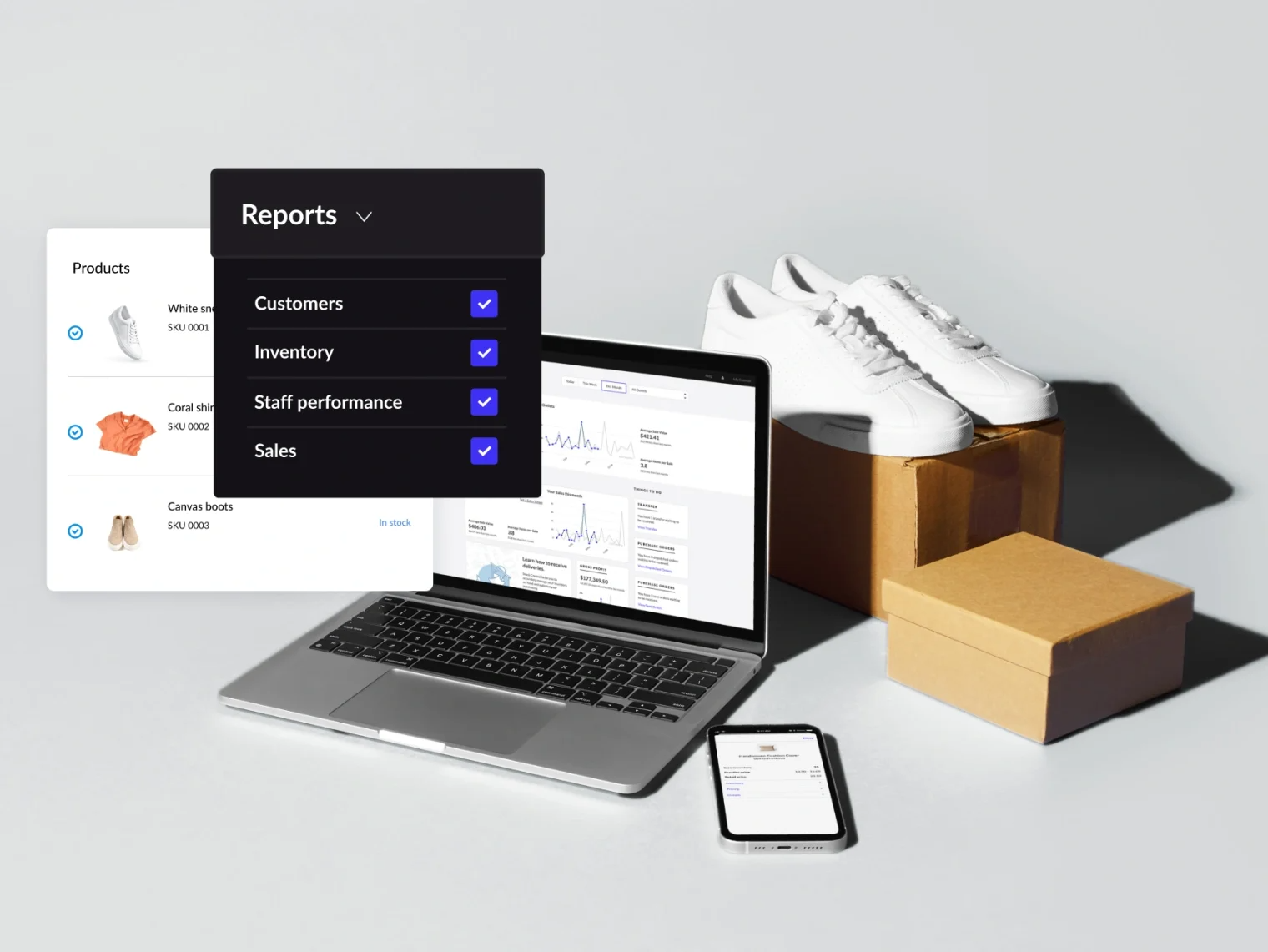
- Track inventory levels and SKUs across multiple locations from a single dashboard
- Create product variants to manage different sizes, colours, specifications, and more
- Identify and trace any item by its unique serial number across all your locations with one search
- Record stock adjustments with custom reasons and a full audit trail so you always know why stock changed
- Get automatic stock valuation updates on every goods receipt, transfer, and adjustment
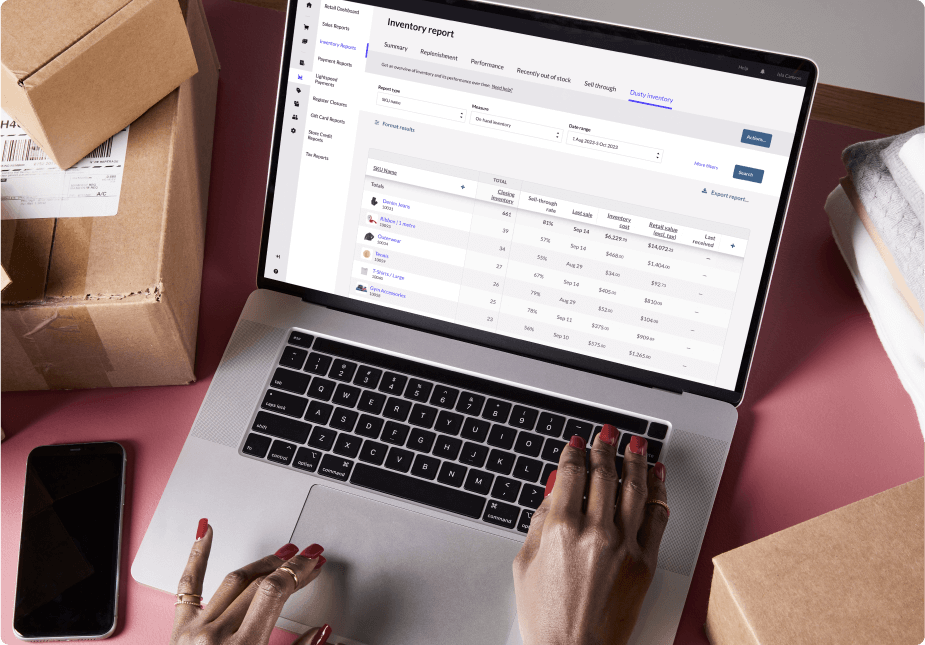
Buy in containers. Sell in pieces. Report in kilograms. All from one product record.
Most inventory software assumes you always buy and sell in the same unit. Real businesses do not work that way. RealCloud's flexible UOM system handles complex unit scenarios without workarounds or manual conversions.
- Define a primary unit and alternate units per product — e.g. buy in cartons, sell in units
- Set fixed or floating conversion rates between units for products that vary in weight or size
- Purchase orders, GRNs, sales invoices, and stock reports all respect the unit context automatically
- Stock levels displayed in the unit that makes sense for each context — warehouse in cartons, POS in pieces
- Handles common wholesale and retail scenarios out of the box: bags/kilos, boxes/bottles, rolls/metres

The inventory depth that serious businesses need.
Most inventory systems handle basic stock tracking. RealCloud is built for businesses that need deeper control, better accuracy, and full traceability.
- Batch tracking with accurate batch-level costing (COGS)
- Manufacturing & expiry date tracking with expiry alerts
- Serialized inventory tracking for individual items
- Instant search across batches, serials, and locations
- Built for FMCG, pharmaceuticals, electronics, wholesale, and more





Full control over what you sell and what you charge.
From bulk imports to customer price books and landed costs, RealCloud helps you grow the catalog and protect margin without editing rows one by one.
- Use the bulk product import tool to add large catalogs instantly — no manual entry
- Make bulk pricing changes across your entire range or a filtered subset in one action
- Set customer-specific price books — different rates for trade customers, loyalty members, or direct accounts
- Distribute landed costs — freight, duty, and handling — across received products to protect your true margins
- Schedule seasonal promotions and price changes in advance so they go live automatically
Find what's making you money. Find what's costing you.
Knowing what is in your warehouse is only half the picture. RealCloud inventory reports tell you what is actually happening with your stock — so you can make decisions based on data, not gut feel.
- FSN Analysis — classify your stock as Fast-moving, Slow-moving, or Non-moving at a glance
- Dead stock report — surface items that have not moved in a defined period and free up working capital
- Inventory profitability report — see gross profit contribution per product, category, or brand
- Stock aging report — understand how long stock has been sitting and flag items at risk
- Reorder quantity suggestions based on historical movement so your purchasing stays lean and accurate
One system. Every location.
Whether you run a single store or a network of branches and warehouses, RealCloud keeps everything connected without adding complexity.
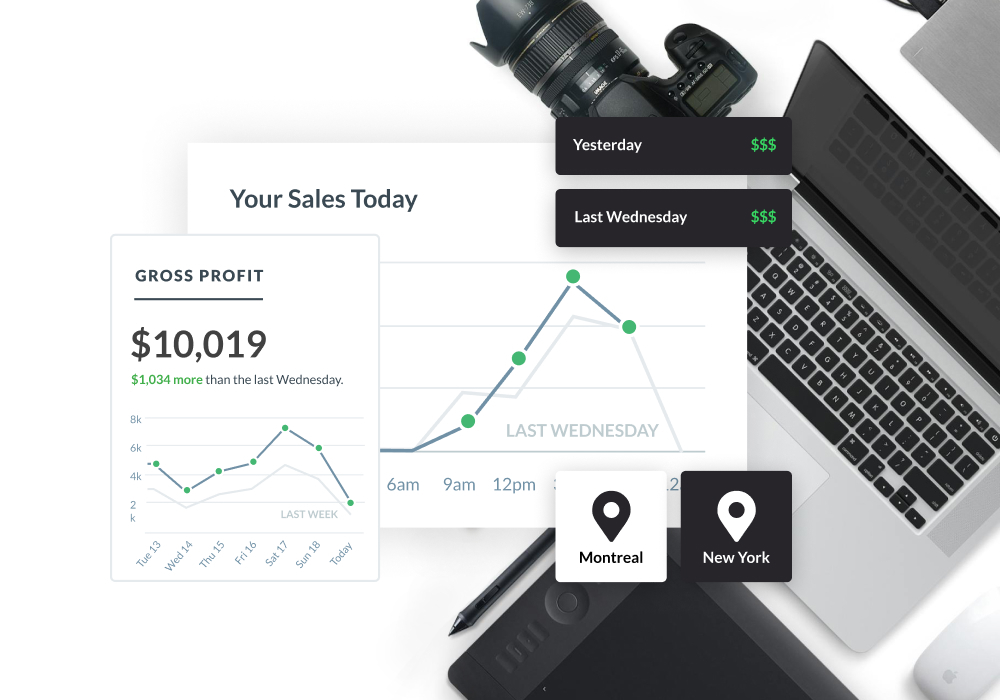
- Centralized stock visibility across all locations in real time
- Easy stock transfers between branches with full movement records
- Define unlimited storage locations, categories, groups, and product lines
- Per-location stock reports with consolidated group-level views
- Role-based access — staff see the locations and actions relevant to them
See what proper inventory management looks like.
Contact us and we will walk through your specific inventory setup — products, locations, and all.
Yes. You can configure tracking per product — some items tracked by batch, others by serial number, and others with no tracking at all. Each works independently with its own costing and movement history.
When stock is received via GRN, you record the batch manufacturing and expiry dates. RealCloud then surfaces those dates across your stock reports, flags batches nearing expiry, and ensures you always know what is at risk before it becomes a write-off.
Yes. RealCloud's UOM system supports alternate units with fixed or floating conversion rates. A product can be purchased in cartons, stocked in units, and sold in either — all reflected correctly in your inventory and financials.
Each batch carries its own cost layer, calculated at the point of receipt including any landed costs you distribute. When stock from that batch is sold, the correct cost is used for COGS — not a system-wide average that drifts over time.
FSN classifies all your stock by movement velocity over a period — fast, slow, or non-moving. The dead stock report specifically surfaces items with zero movement beyond a threshold you define, giving you a clear list to act on.
Yes. Each location maintains its own stock ledger. You can transfer between them, report on each independently, or view consolidated totals across the business — all from the same system.